




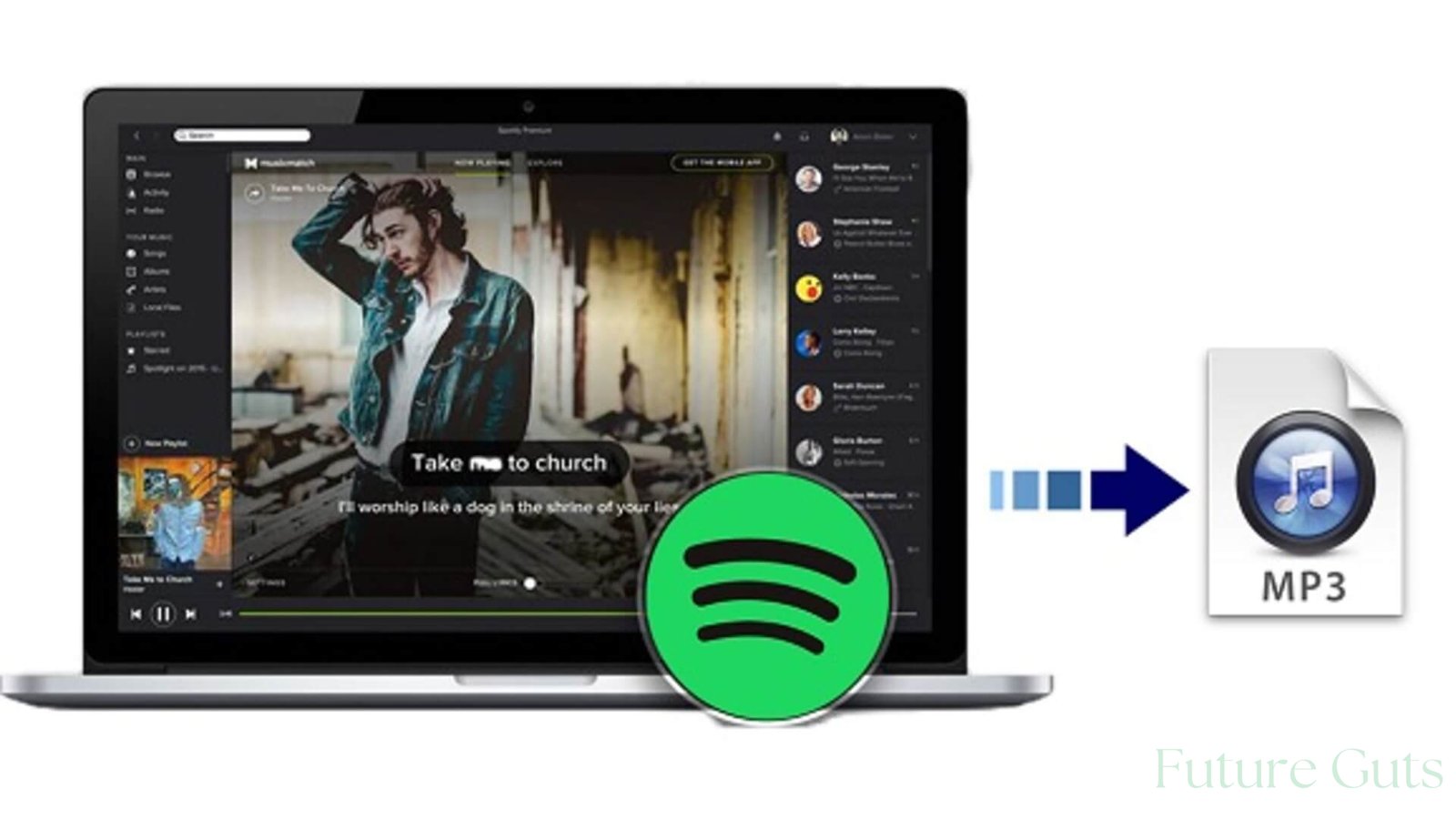

Spotify is one of the world’s most popular music streaming platforms, offering millions of songs, podcasts, and audio content through an internet-based service. However, many users search for ways to convert Spotify songs to MP3 files for offline listening, device compatibility, or personal music libraries. Before exploring the options, it is important to understand how Spotify’s system works, what is legally permitted, and what alternatives are available.
Understanding How Spotify Audio Works
Spotify operates as a licensed streaming service, meaning users do not directly own the music files they stream. Instead of providing standard MP3 downloads, Spotify uses encrypted audio files that can only be played within the Spotify app. Even when users download songs for offline listening through a Premium subscription, those files remain protected and cannot be accessed as standalone MP3 files.
This system exists because Spotify holds distribution agreements with record labels and artists. The platform must protect copyrighted material, which is why direct MP3 exporting is not supported within the official application.
Can You Officially Convert Spotify Songs to MP3?
Spotify does not offer a built-in feature that allows users to convert tracks into MP3 format. Downloading music within Spotify Premium is designed solely for offline playback inside the app. Extracting or converting protected tracks into MP3 files may violate Spotify’s terms of service and local copyright laws.
For users seeking MP3 files for personal use, the safest and most compliant method is to obtain music from legal download platforms that sell DRM-free MP3 files. Many online music stores provide high-quality MP3 purchases that can be stored permanently on your device without restrictions.
Legal Alternatives to Converting Spotify to MP3
If your goal is offline listening, subscribing to Spotify Premium allows you to download songs directly within the app for offline playback. This method ensures compliance with licensing rules while maintaining audio quality.
If you need MP3 files specifically for use on devices that do not support streaming apps, purchasing music from authorized platforms such as digital music stores is the most reliable solution. These services provide downloadable MP3 files that you can transfer to USB drives, MP3 players, or other compatible devices without legal concerns.
Another alternative is checking whether the artist or label offers official downloads through their website. Some independent musicians provide direct MP3 purchases or free promotional downloads for fans.
Third-Party Spotify to MP3 Converters: Risks and Considerations
Many websites and software tools claim to convert Spotify tracks to MP3. However, these tools often operate by bypassing Spotify’s encryption, which can violate terms of service and potentially infringe copyright laws. In addition to legal risks, some third-party converters may expose users to malware, intrusive ads, or compromised audio quality.
Before using any external tool, users should carefully evaluate security risks and review local copyright regulations. Using unauthorized conversion services can lead to account suspension or data security issues.
Audio Quality Considerations When Converting
Even when conversion tools are used, audio quality can vary significantly. Spotify streams music in compressed formats optimized for streaming efficiency. Converting these streams into MP3 files does not improve quality and may result in further compression loss.
For the best possible audio experience, downloading high-bitrate MP3 files directly from authorized music retailers ensures cleaner sound and proper metadata tagging.
Why Streaming Is Replacing MP3 Downloads
The rise of streaming platforms like Spotify reflects a broader shift in how audiences consume music. Streaming offers convenience, curated playlists, personalized recommendations, and cross-device syncing that traditional MP3 libraries cannot easily replicate. As internet speeds improve globally, reliance on standalone MP3 files has decreased for many listeners.
However, MP3 files remain useful for offline environments, older devices, and long-term file storage, which is why interest in Spotify-to-MP3 conversion continues.
Conclusion
Converting Spotify to MP3 is not supported by Spotify’s official features due to copyright protection and licensing agreements. While third-party tools exist, they may involve legal and security risks. The safest approach for obtaining MP3 files is purchasing music from authorized platforms or using Spotify Premium for offline listening within the app. Understanding the difference between streaming access and file ownership helps users make informed decisions while respecting copyright laws and protecting their digital security.

Other Articles

Humans Are Hooked, Machines Are Learning: The AI Shift
10 Character Archetypes Every Writer Should Know